

No products in the cart.
$1,600.00
A 12 month (365 day) DJI FlightHub 2 Professional Version plan for live video, mission planning, fleet management and mapping from the cloud. Supplied as a DJI activation code that must be redeemed within 6 months of purchase. Aircraft and hardware are not included.
Full manufacturer specifications for this model.
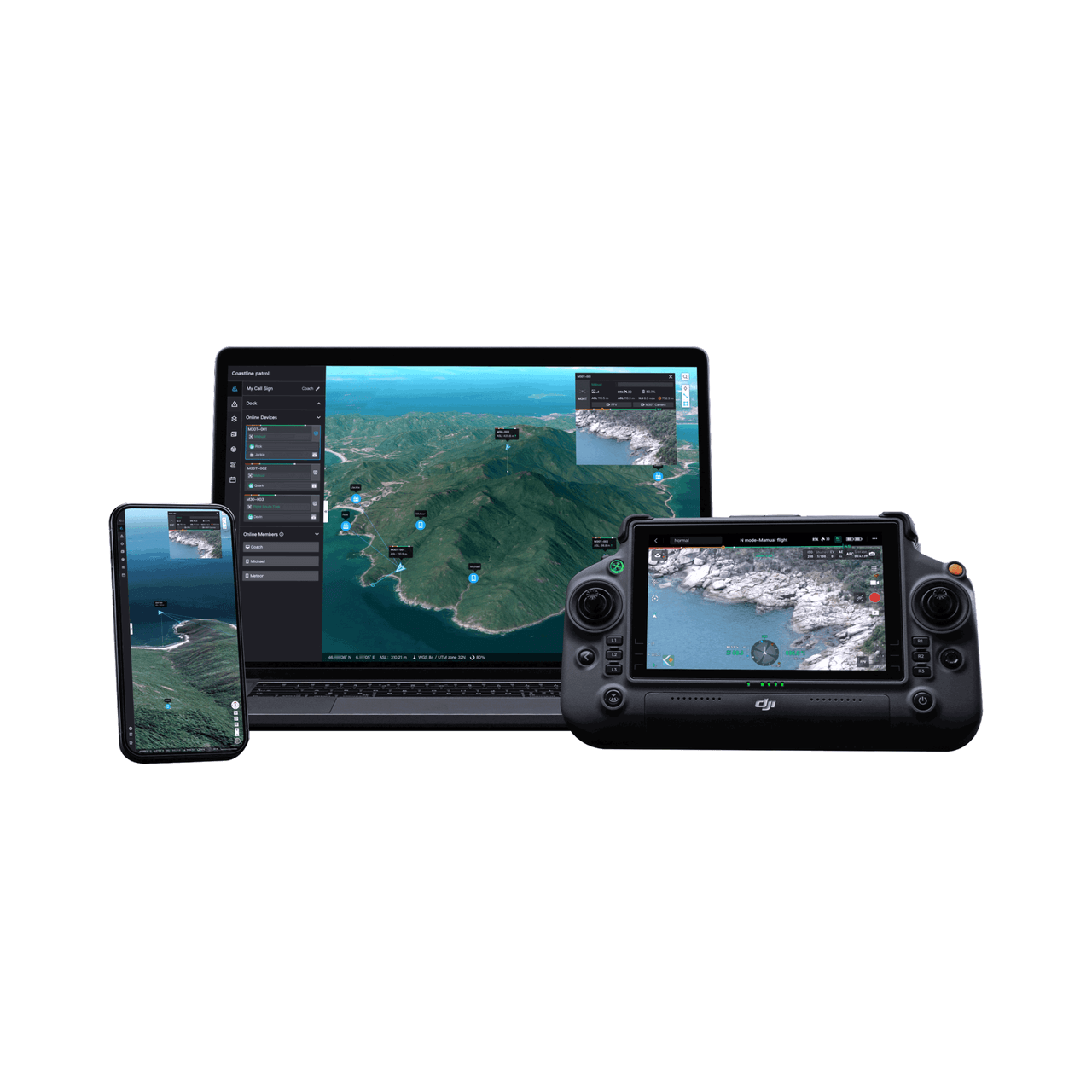
DJI FlightHub 2 is a cloud platform for running an enterprise drone operation. Your aircraft, pilots, missions and captured data sit in one place, and your office, your crew in the field and your client can all see the same live picture from a browser.
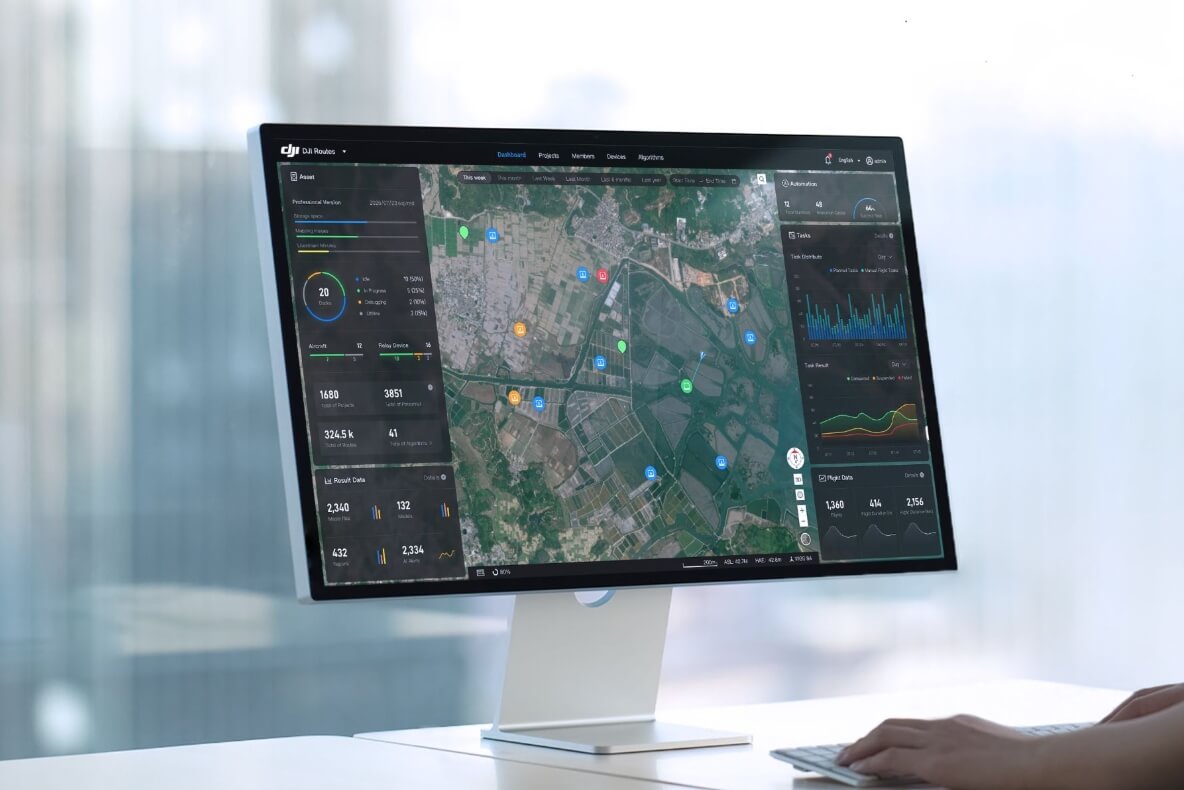
The Professional Version is the paid tier of FlightHub 2 that unlocks its professional resources. This plan gives you 365 days of use once activated. It includes a set amount of livestream minutes, mapping images and cloud storage, and you can add more with a recharge package. DJI help pages now call this tier the Business Version.
It is linked to your organisation, not to one person login. You need compatible DJI enterprise aircraft or a DJI Dock to use it.
Live video from the aircraft appears in FlightHub 2 next to its position on the map, so the person making the decisions does not have to be standing next to the pilot.
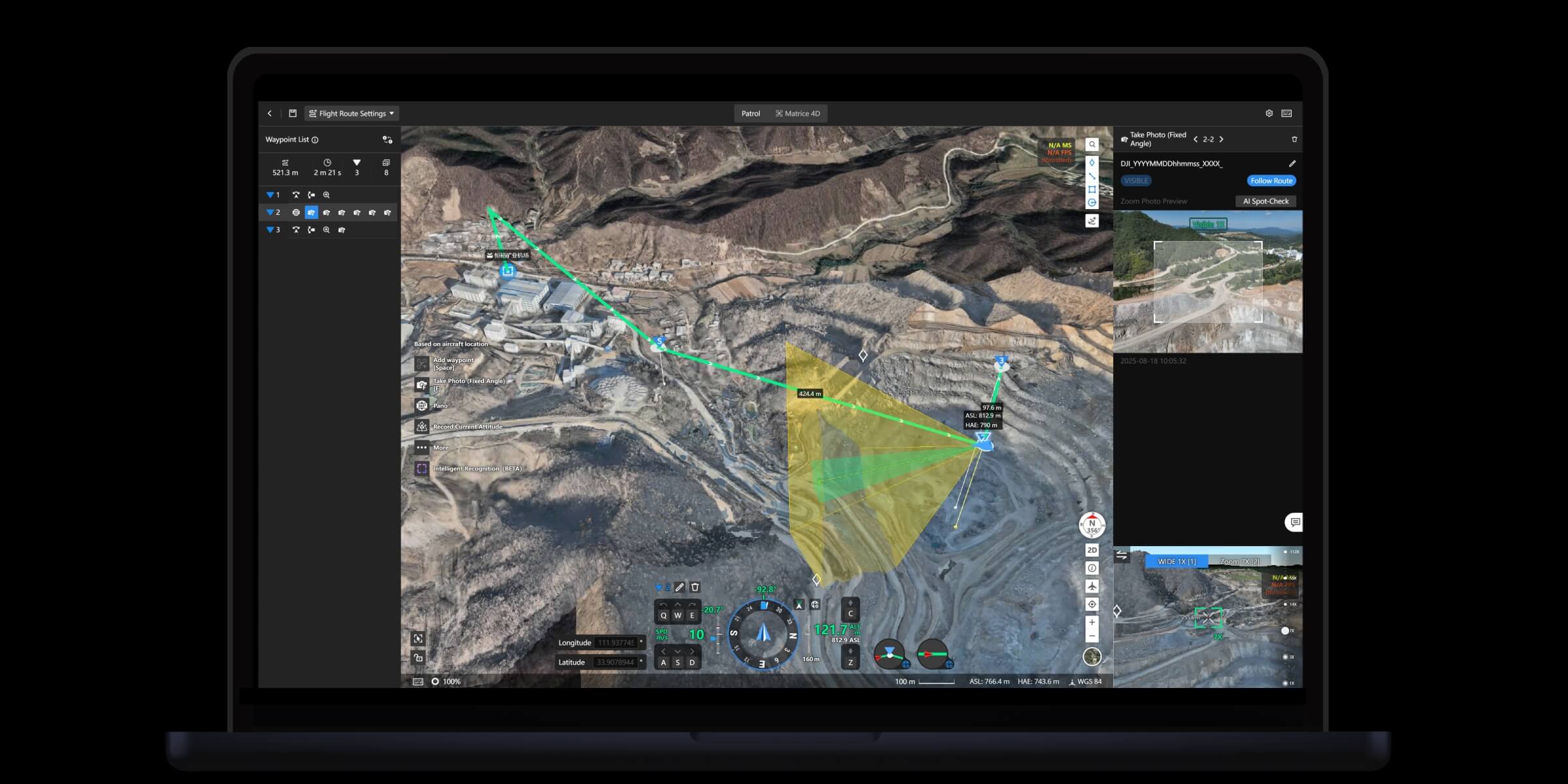
Draw the job on a 3D view of the site and check the route before anyone leaves the office. Saved missions can be flown again, so repeat flights line up and comparisons mean something.
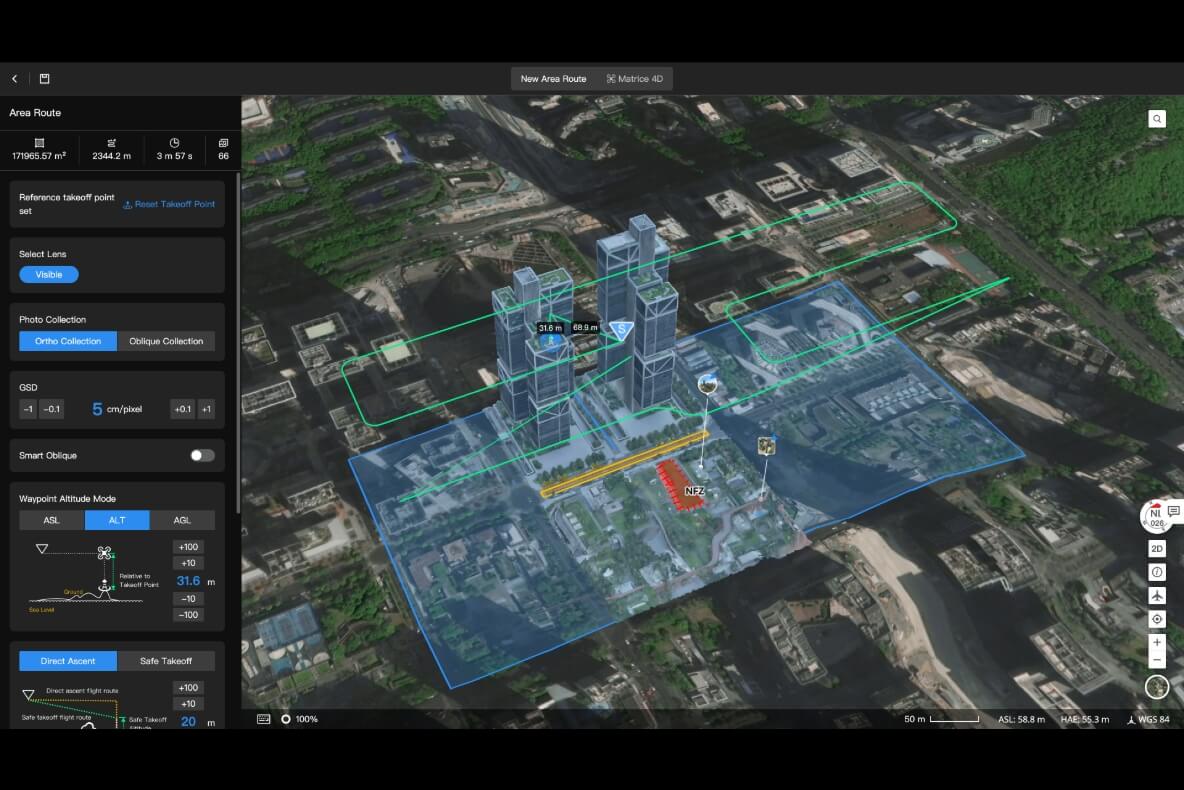
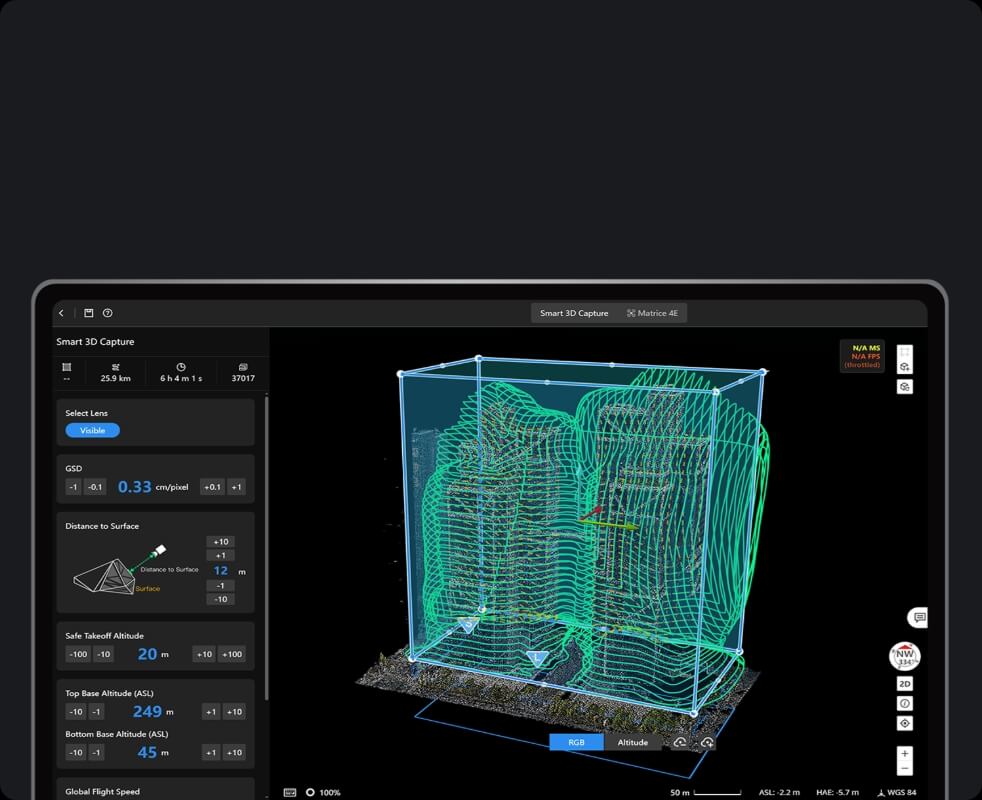
Mark out a building, tower or piece of plant and FlightHub 2 builds a route that wraps around it, so the aircraft collects the images needed for a detailed 3D model.
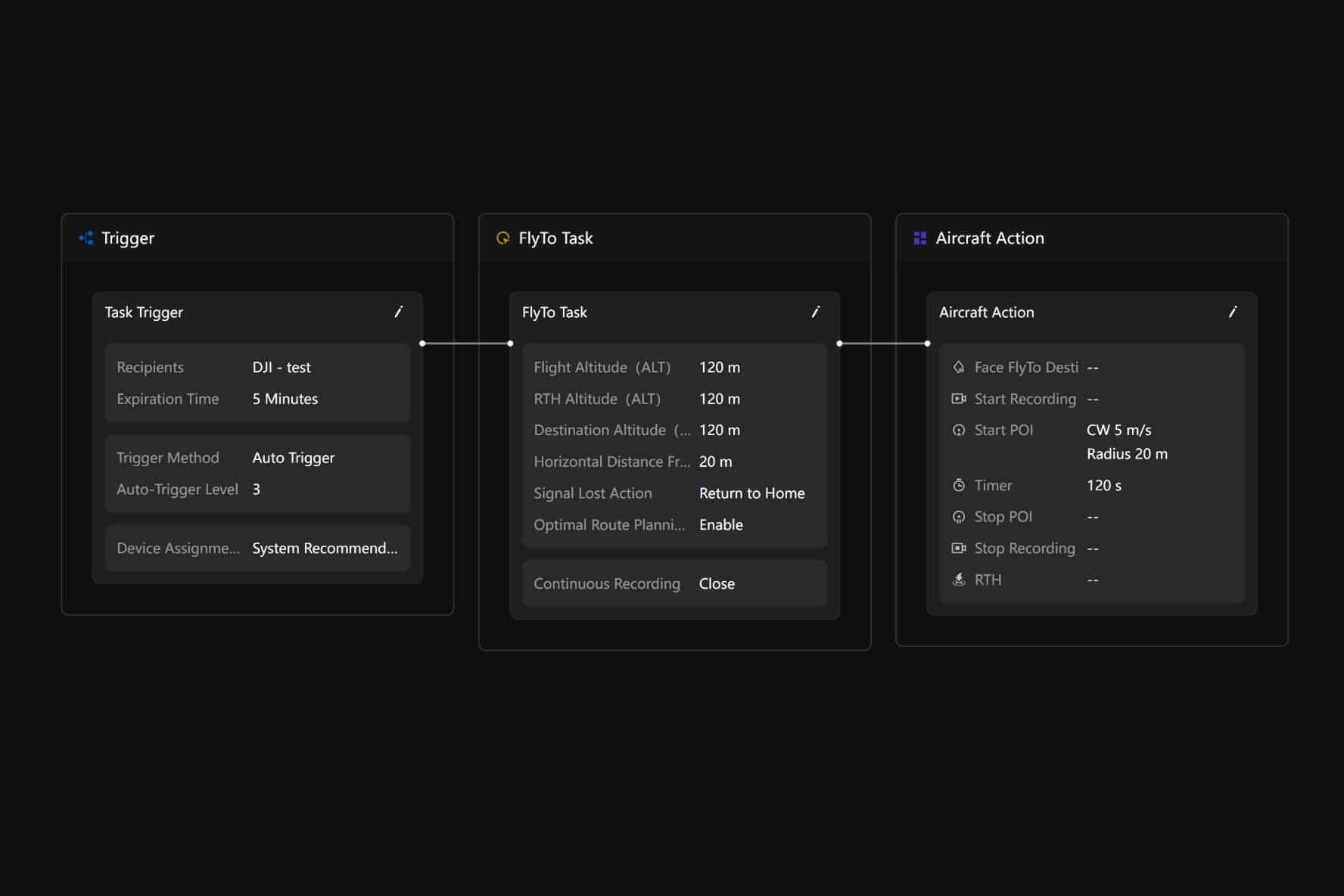
Build a simple chain: a trigger starts the job, the aircraft flies to the spot, then it carries out the actions you chose. When an alert comes in, FlightHub 2 can dispatch a drone straight away or leave the decision to an operator.
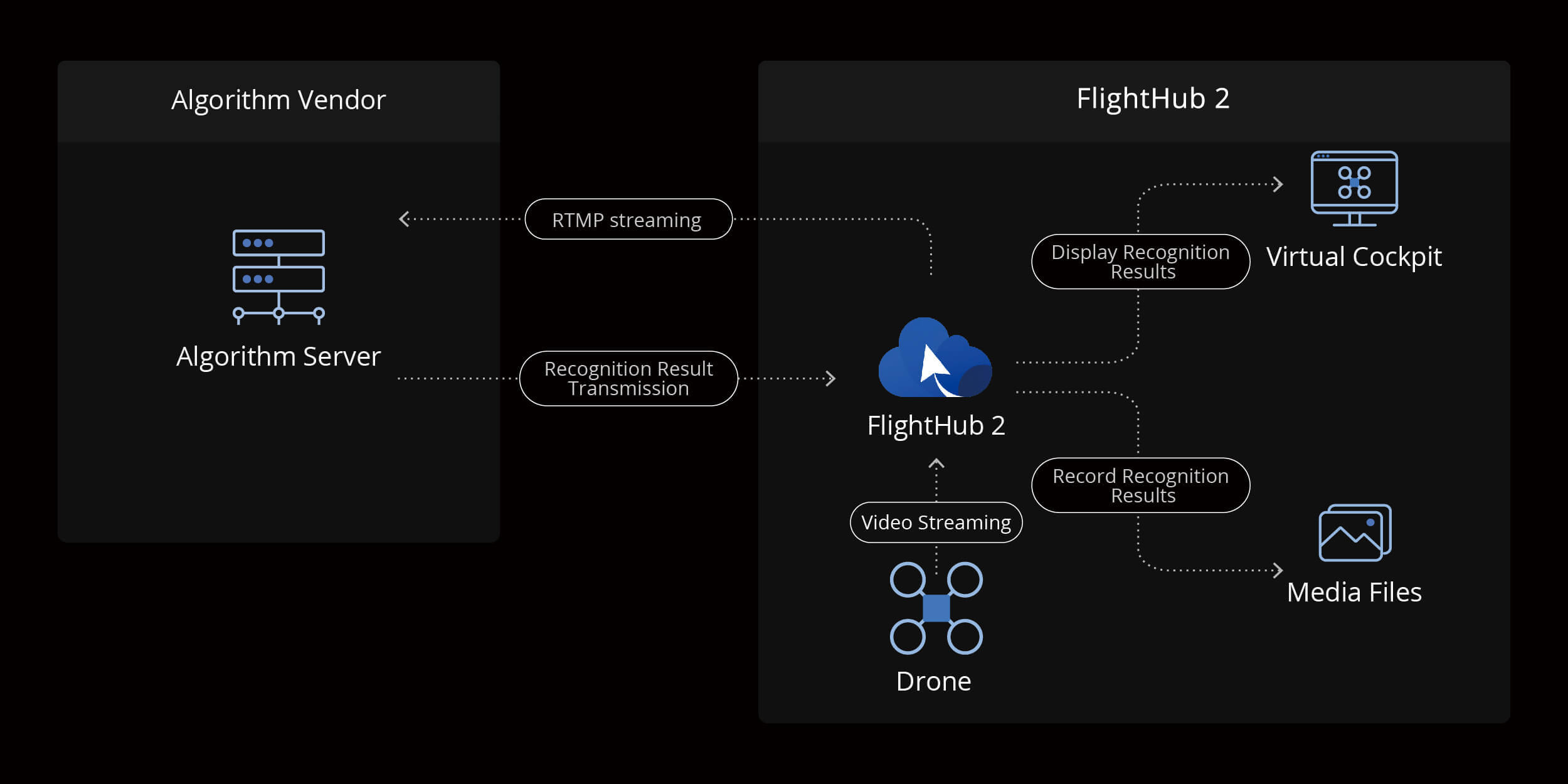
FlightHub 2 can pass live video to your own or a partner recognition system. The results come back into FlightHub 2, shown while the aircraft is flying and saved with the photos and video.
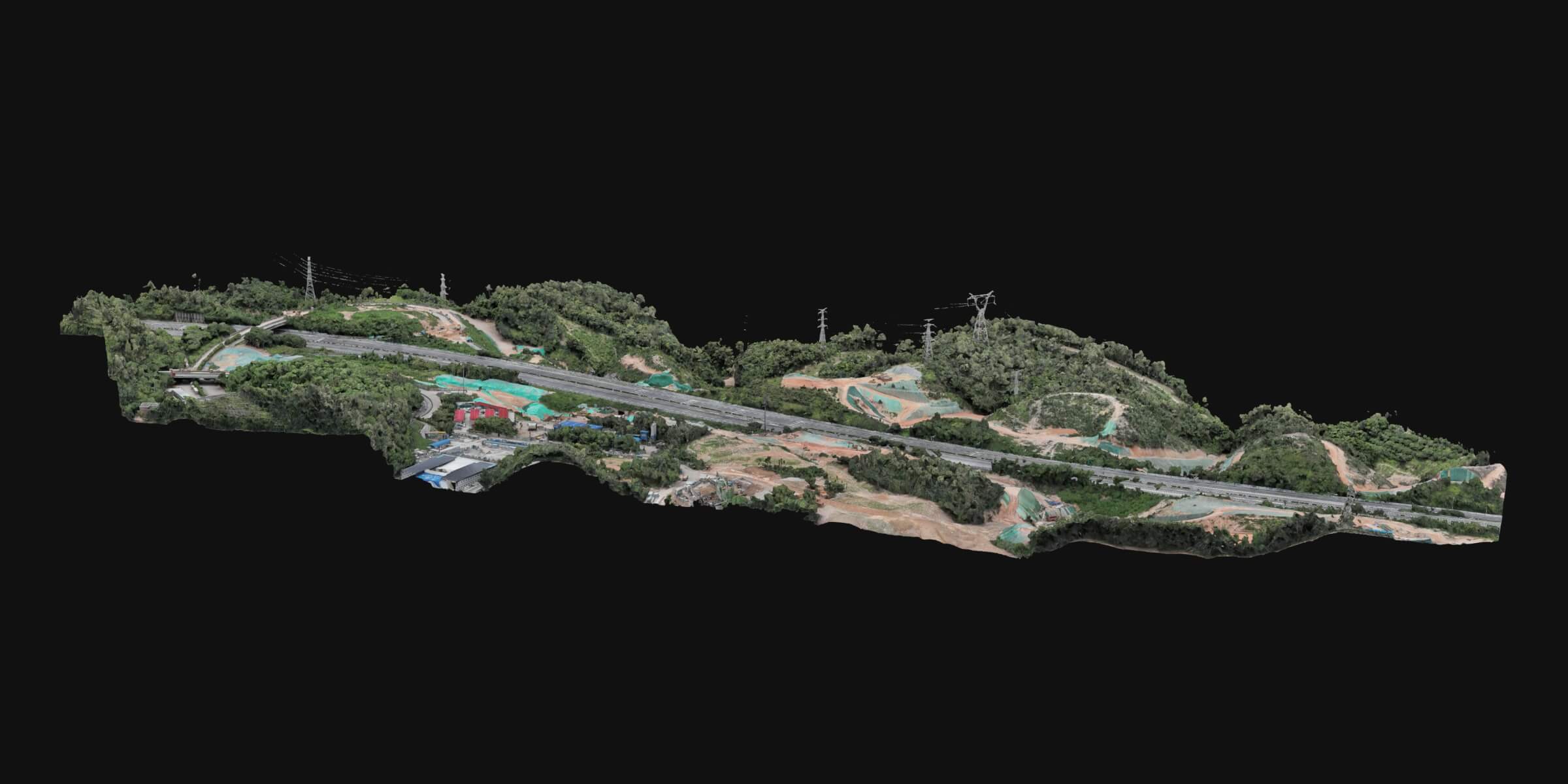
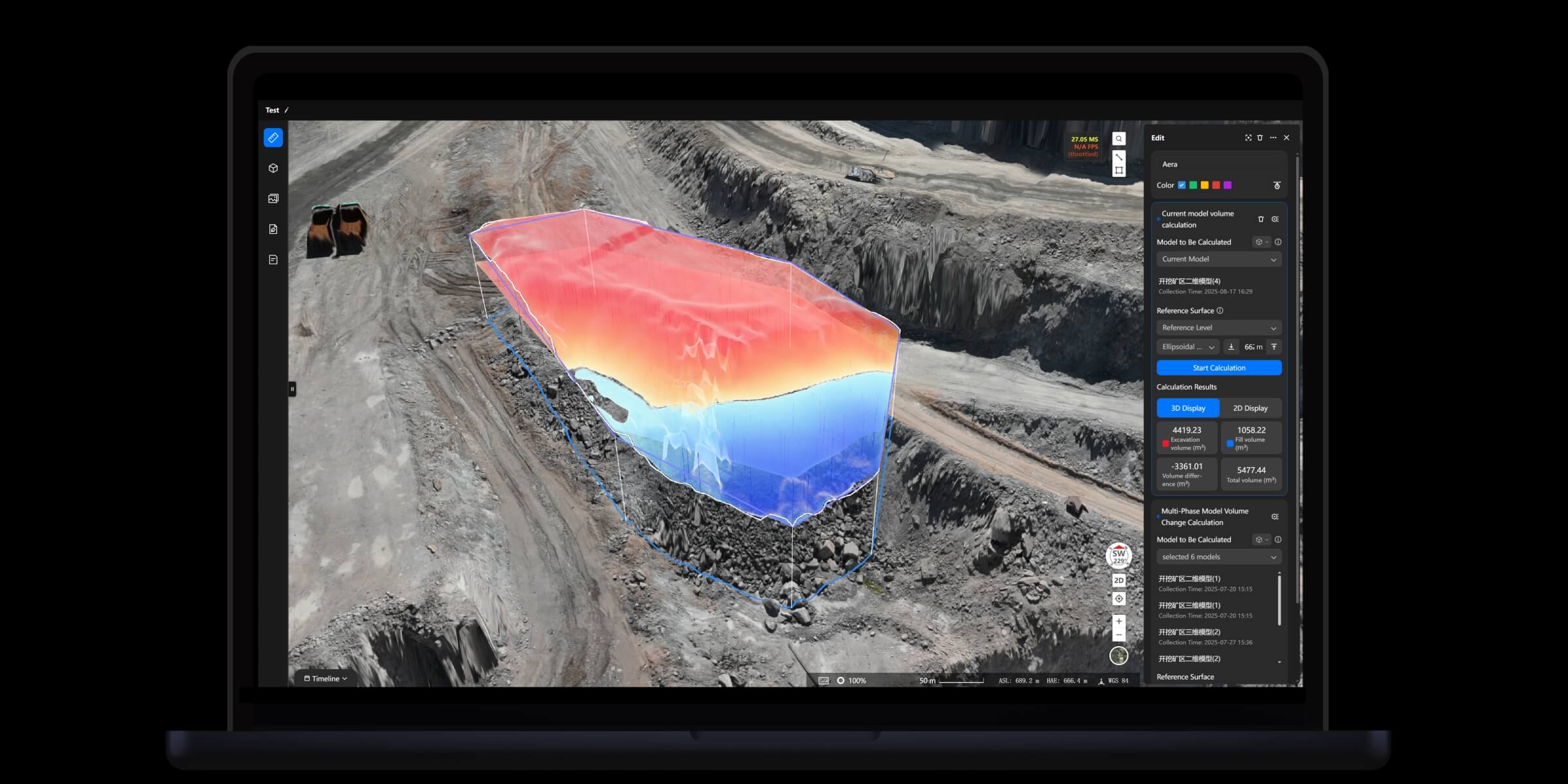
Photos from a mapping flight are processed in the cloud into 2D maps and 3D models. Once the model is built you can measure straight off it, such as a stockpile volume, without sending anyone onto the site.
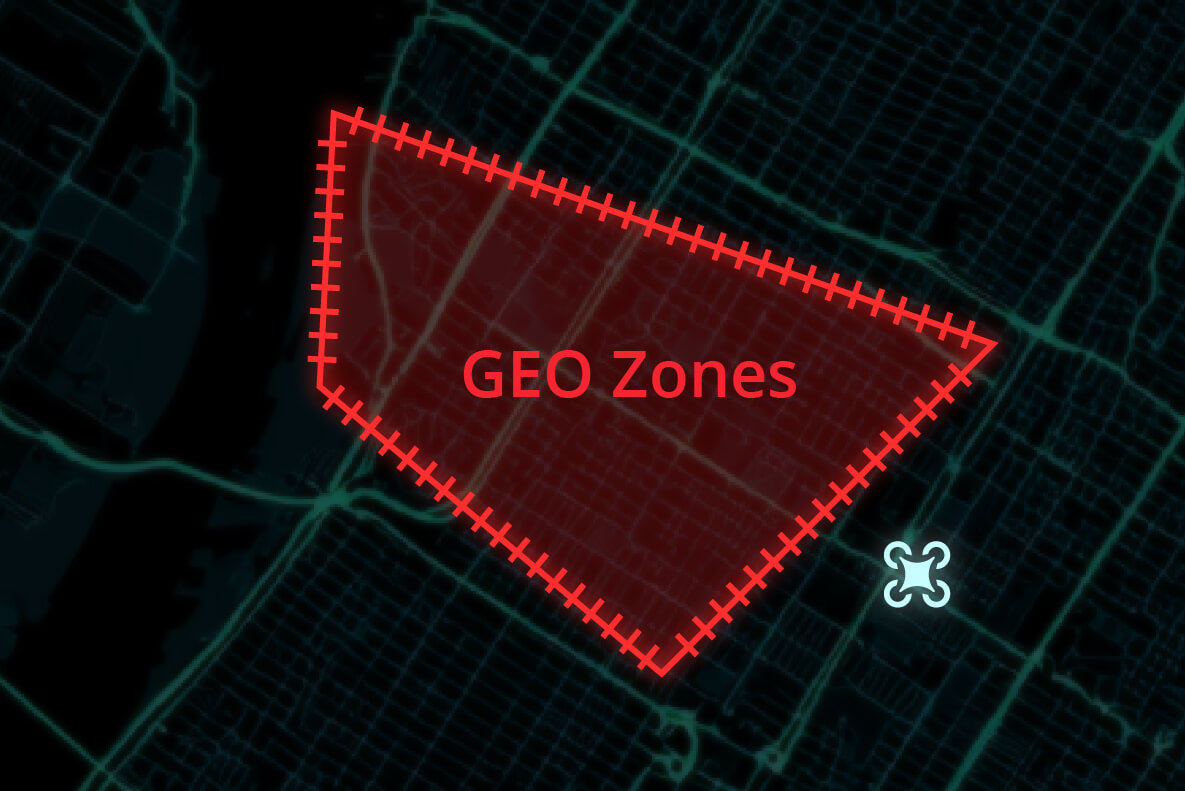
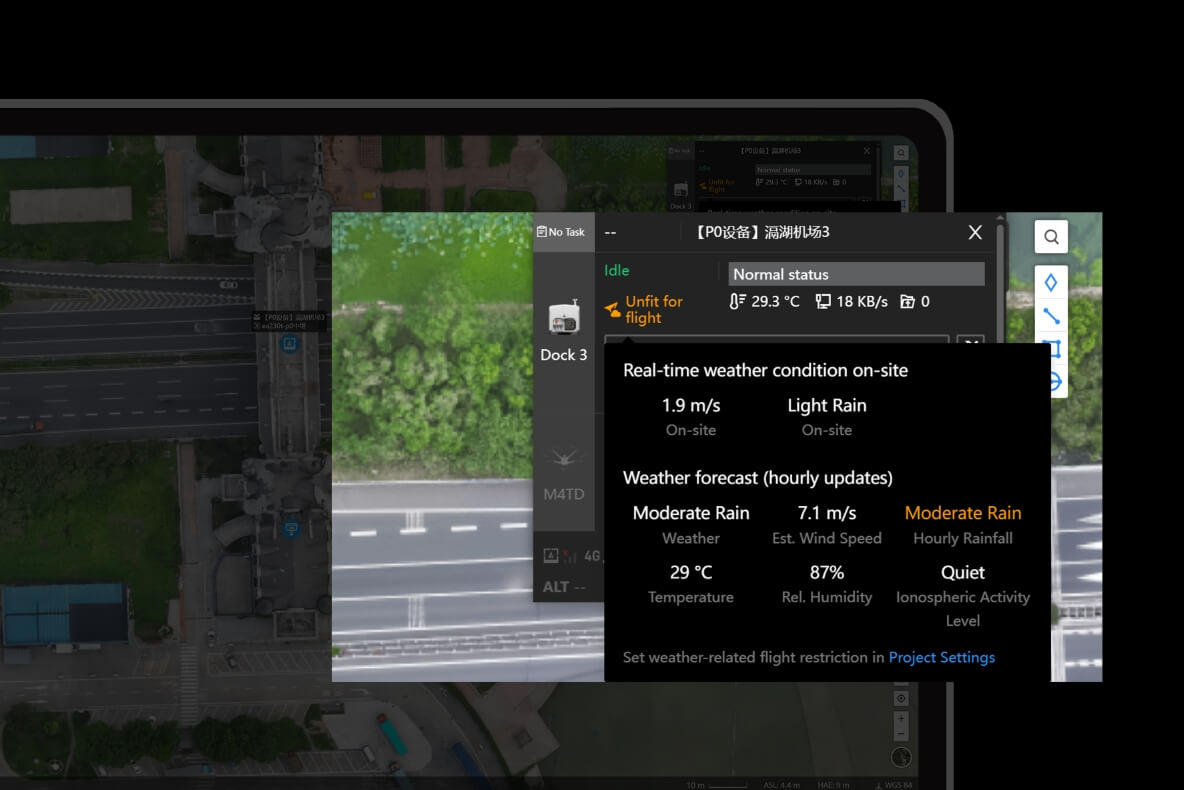
Draw your own no fly areas on the map and see the weather at a DJI Dock site, with an hourly forecast. You still need to fly within CASA rules.
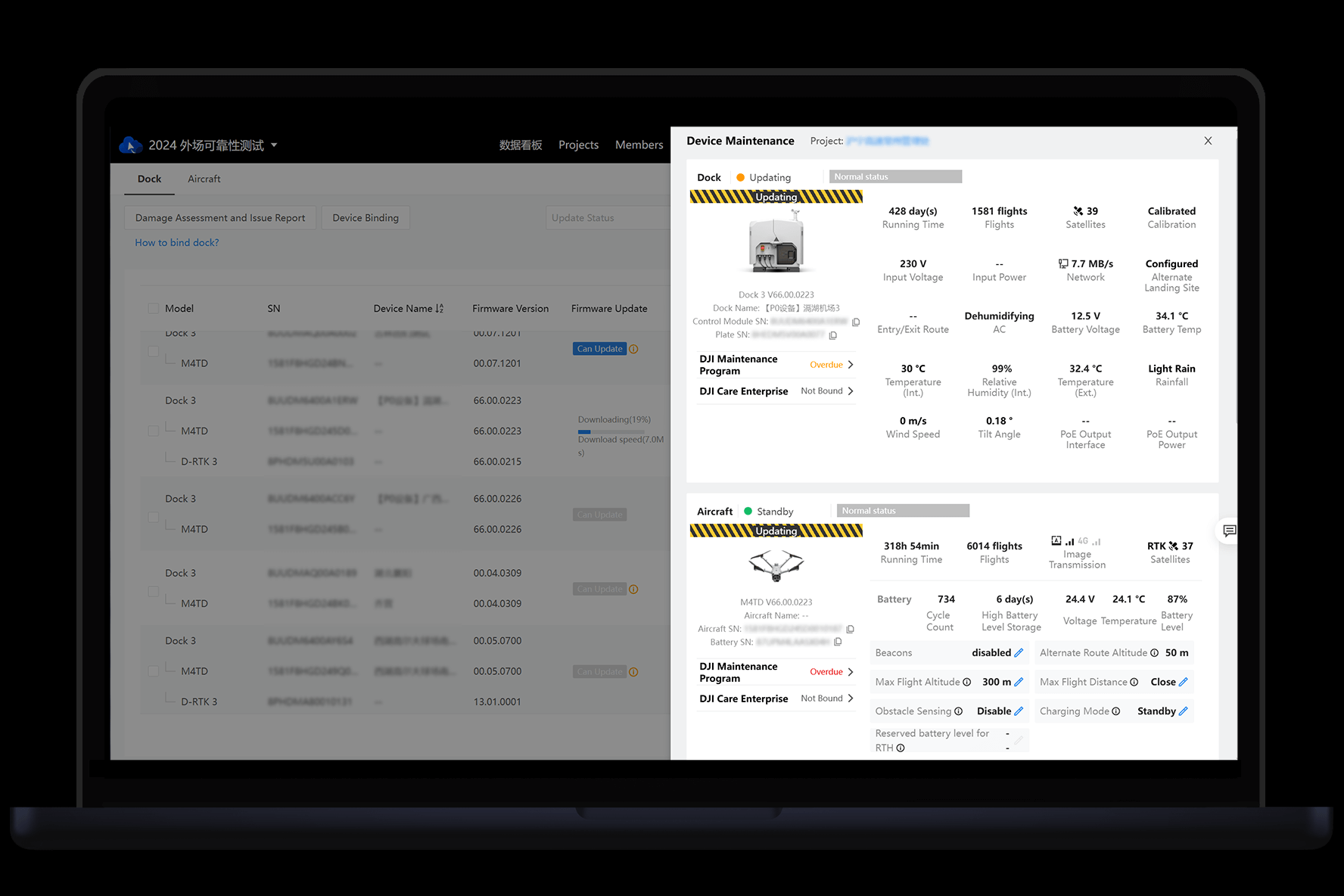
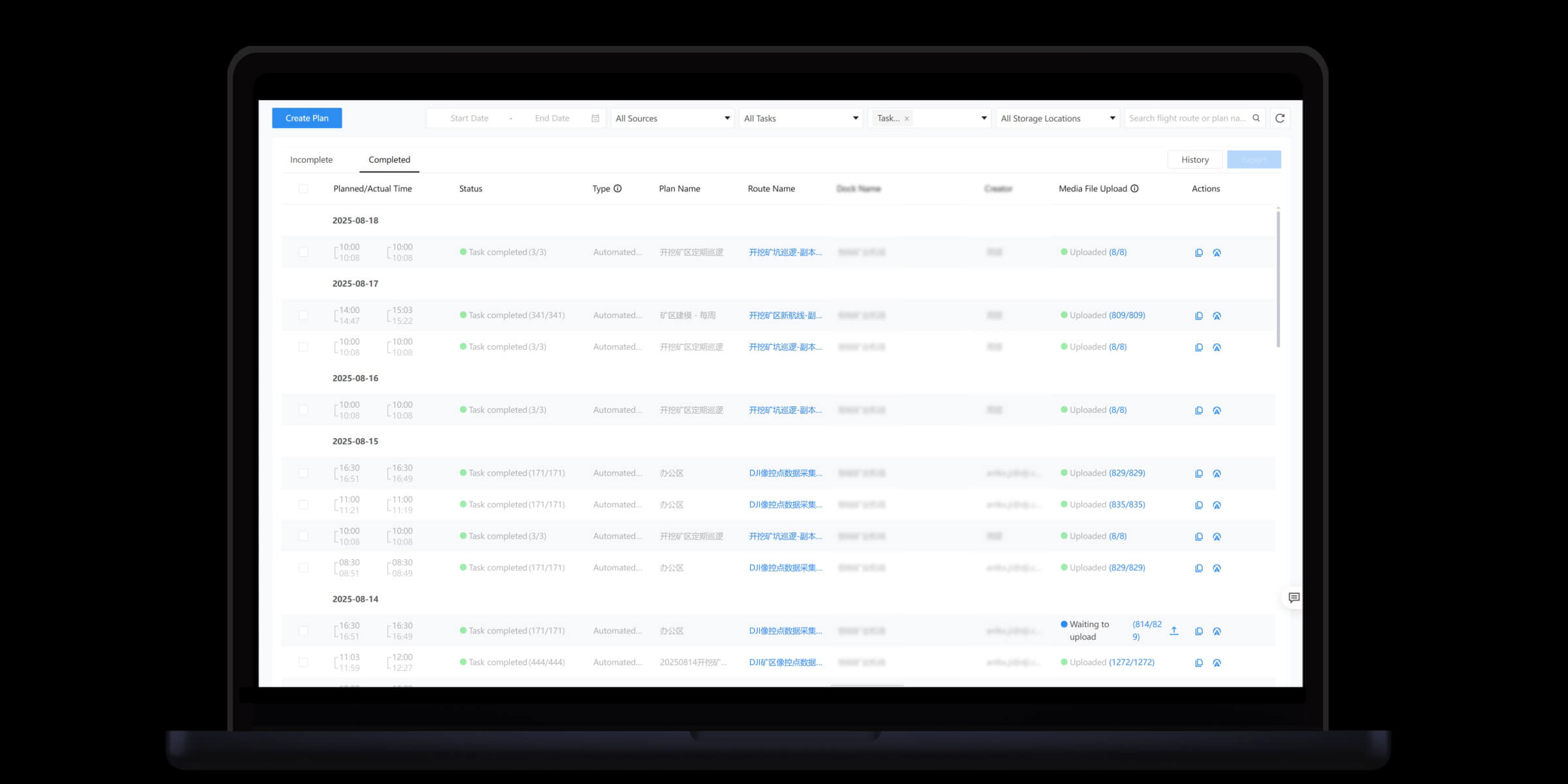
One screen shows the status of each dock and aircraft, and every flight is kept in a searchable history that helps with client reports, insurance and compliance paperwork.
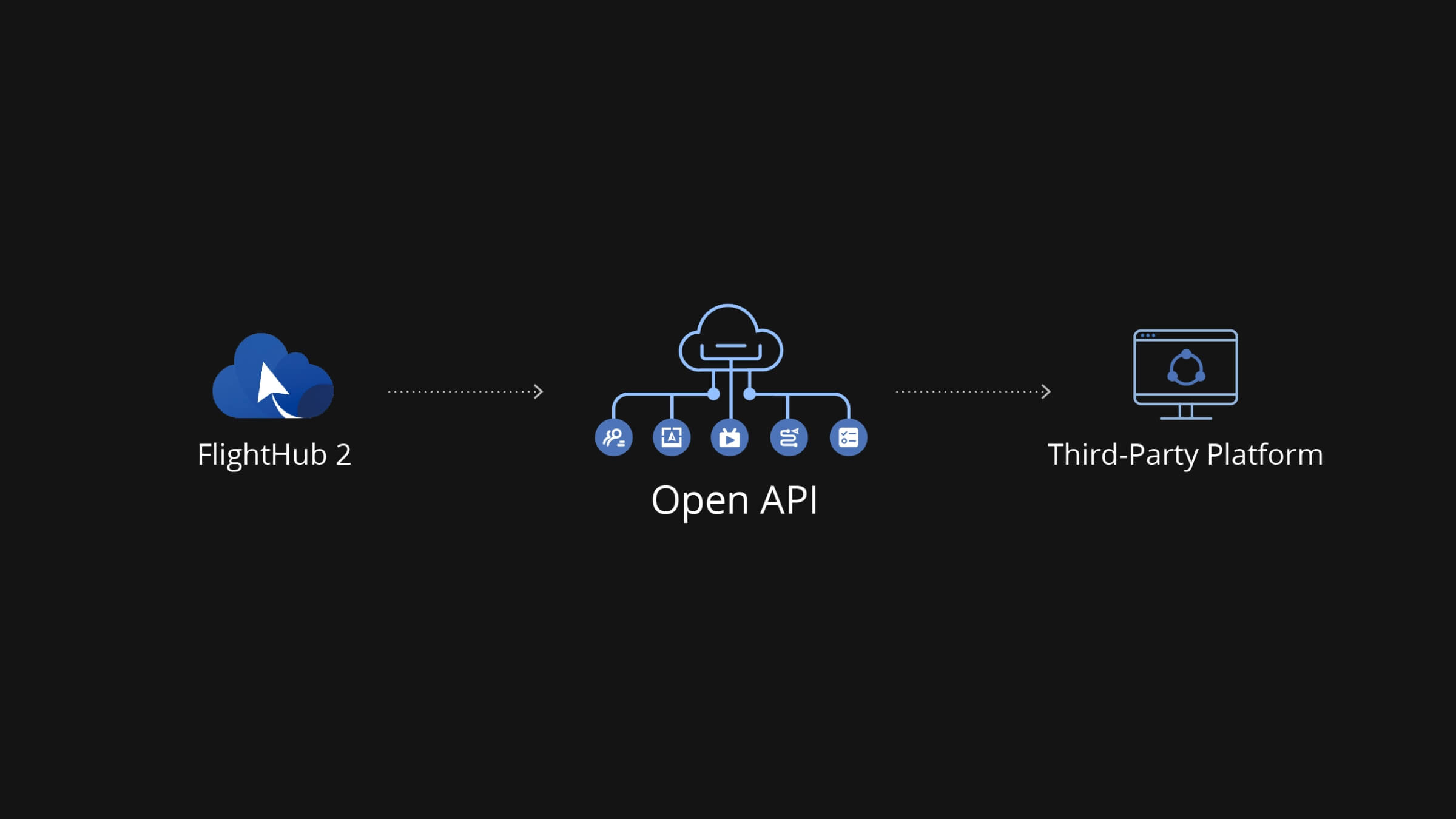
DJI provides an open interface so FlightHub 2 can pass data to and from other platforms, such as a control room screen, an asset register or a job management system.
All of these are on this site under Software.
Do I need a DJI Dock? No. FlightHub 2 also works with handheld enterprise aircraft flown by a pilot. A Dock adds scheduled flights with nobody on site.
Will it work with my aircraft? It supports the current DJI enterprise aircraft, depending on the model and its firmware. Tell us what you fly and we will confirm before you buy.
Can my whole team use it? Yes. You can invite pilots, managers and clients and set what each person can see and do.
What if I run out of minutes, images or storage? Add a recharge or storage package. There is no need to change plan.
Call us on 0418 510 987 or use the contact page. Tell us what you fly and what you want to see, and we will recommend the right package and check it works with your aircraft before you order.
| Brand | DJI |
|---|---|
| Model | FlightHub 2 |
| Category | Software |
FlightHub 2, Software
FlightHub 2, Software
FlightHub 2, Software
FlightHub 2, Software

Reviews
There are no reviews yet.